Smaller files,
clear photos

Batch compress · Hit your target KB

For email, online forms, uploads or extra storage —
shrink your photos exactly as much as you need,
without complicated settings.

Get it on Google Play
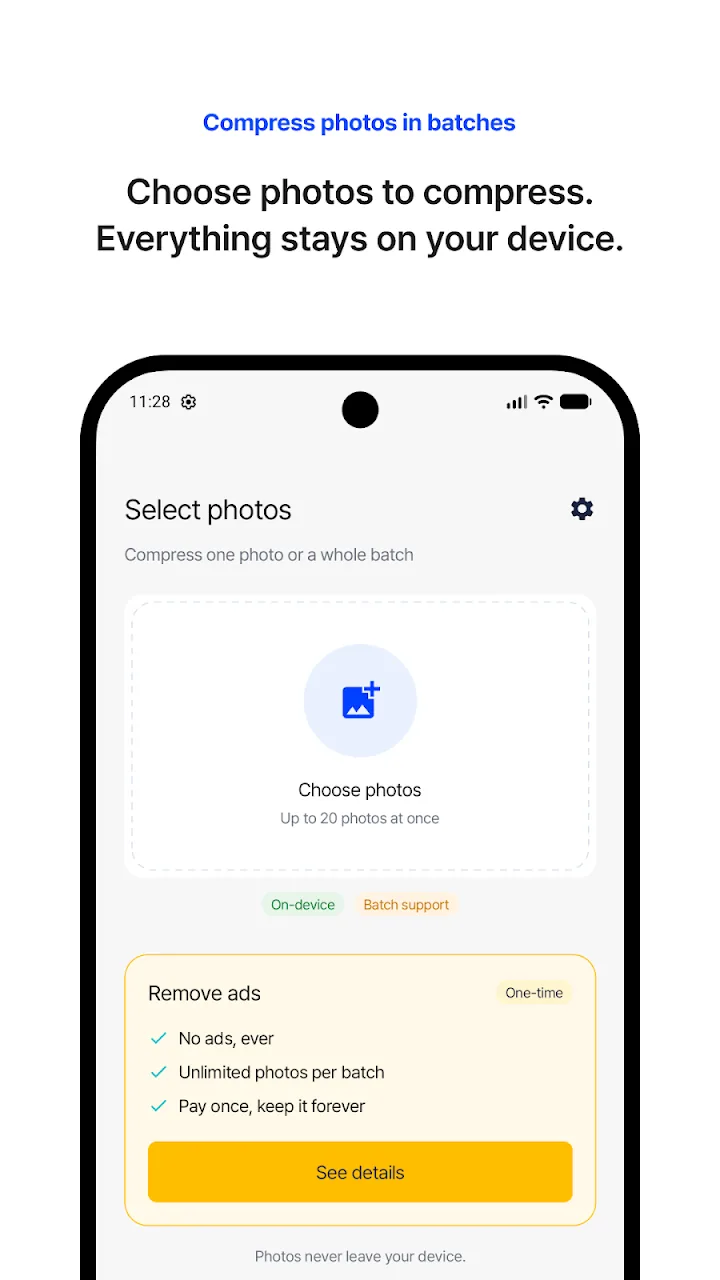
Choosing photos to compress in a batch

Watch it shrink

IMG_0412.jpg · Before
33.71MB
Before 33.71 MBAfter 2.29 MB
Saved 31.42 MB -93%

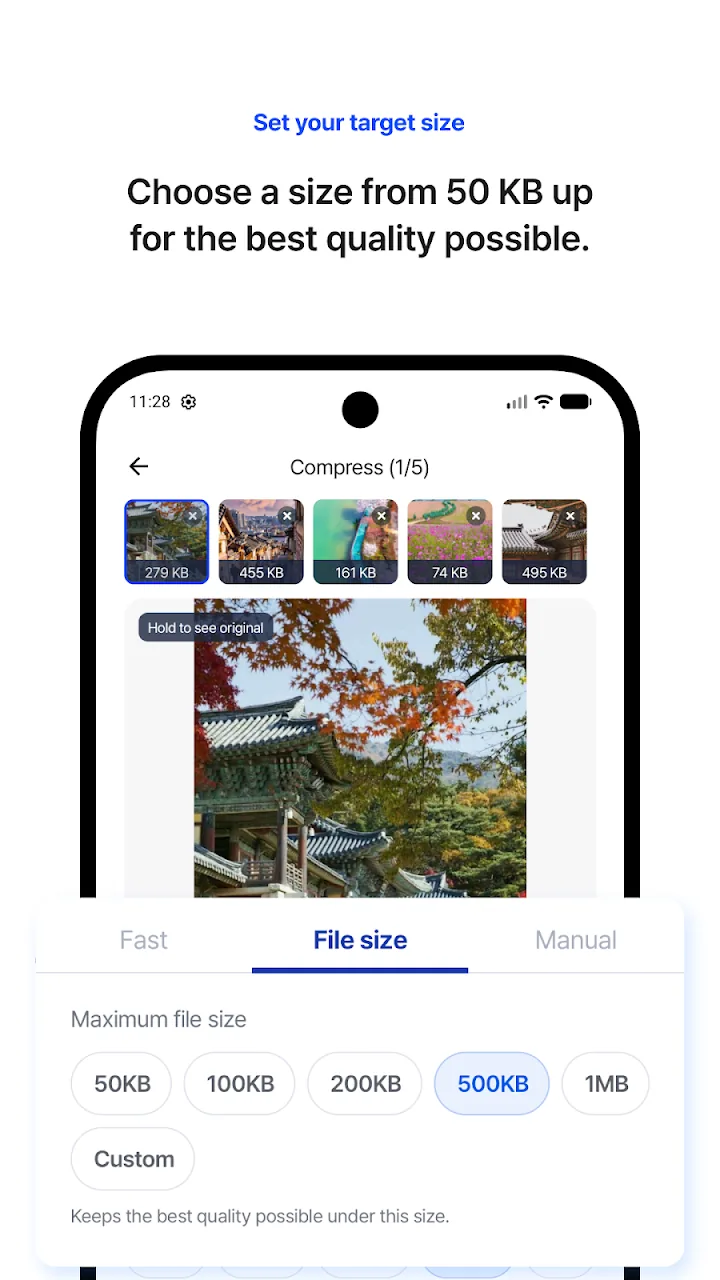
Set your target size

Choose a size from 50 KB up
for the best quality possible.

Choosing a maximum file size such as 100KB or 500KB
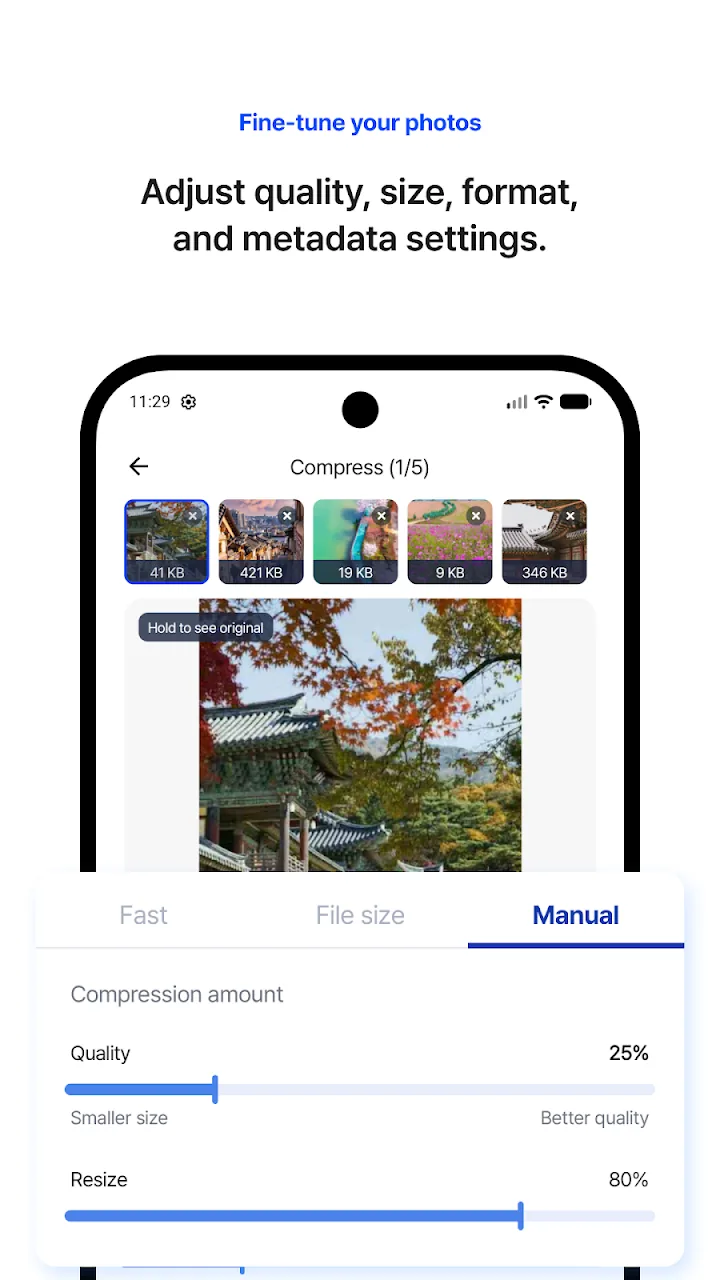
Fine-tune your photos

Adjust quality, size, format,
and metadata settings.

Manual quality and resize sliders
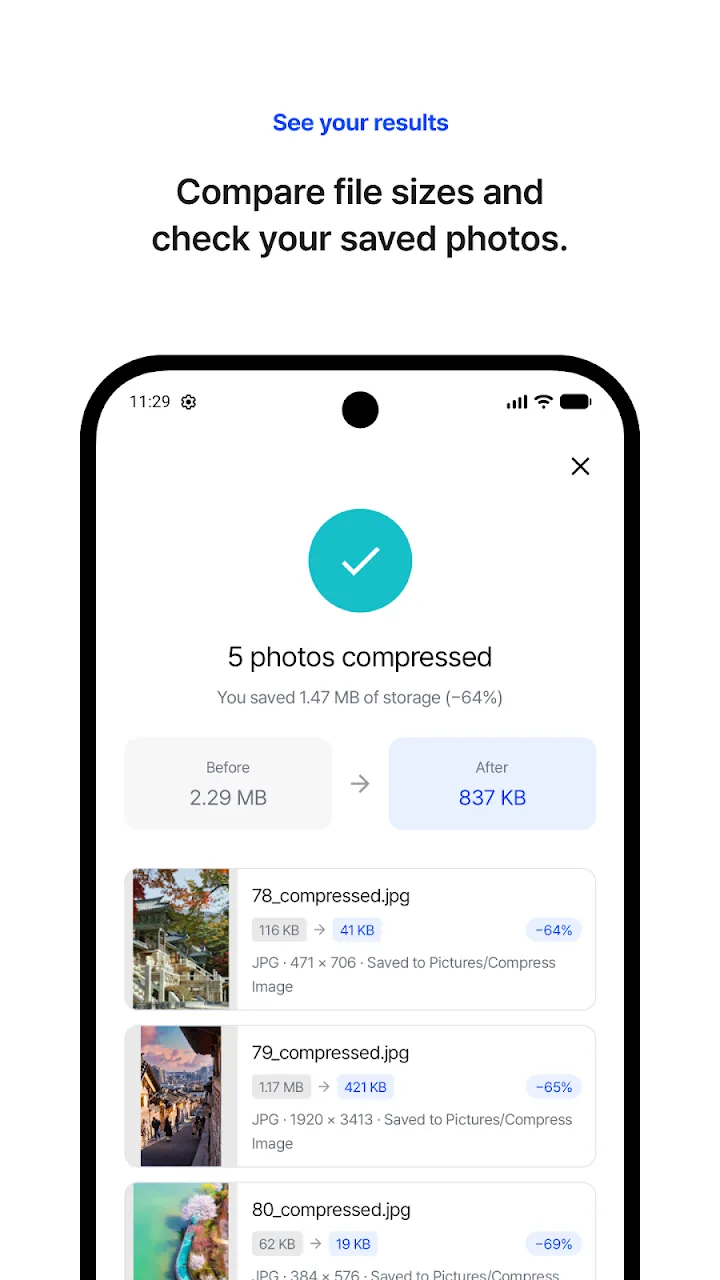
See your results

Compare file sizes and
check your saved photos.

5 photos compressed, 2.29MB down to 837KB

Exactly as small as you need

Batch compression

Select multiple photos and compress them all at once.

Reduce size fast

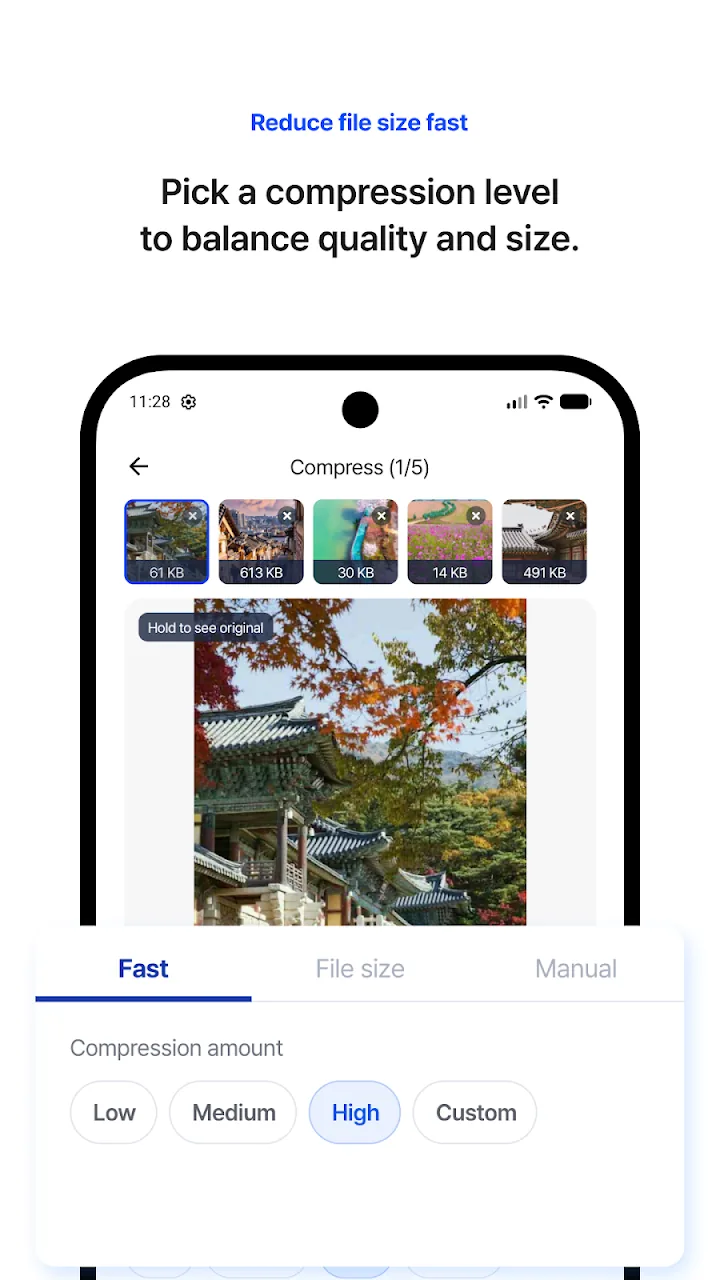
Pick Low, Medium or High to balance quality and size instantly.

Target file size

Start from 50KB or enter your own — perfect for upload limits.

Fine-tune

Quality, width and height, resolution, output format and EXIF.

Preview first

Compare original and compressed sizes before you save.

On-device and safe

Photos never leave your device, and your originals stay untouched.

Use it when you need to

  • Shrink photos for email attachments
  • Meet size limits on applications and forms
  • Compress many photos at once
  • Free up storage space
  • Upload photos faster to websites and messengers

Many photos at once,
down to the size you need

Get it on Google Play