Pick your bias first
Choose boy groups and girl groups. Can’t find yours? Type it in and we’ll add the most requested groups.

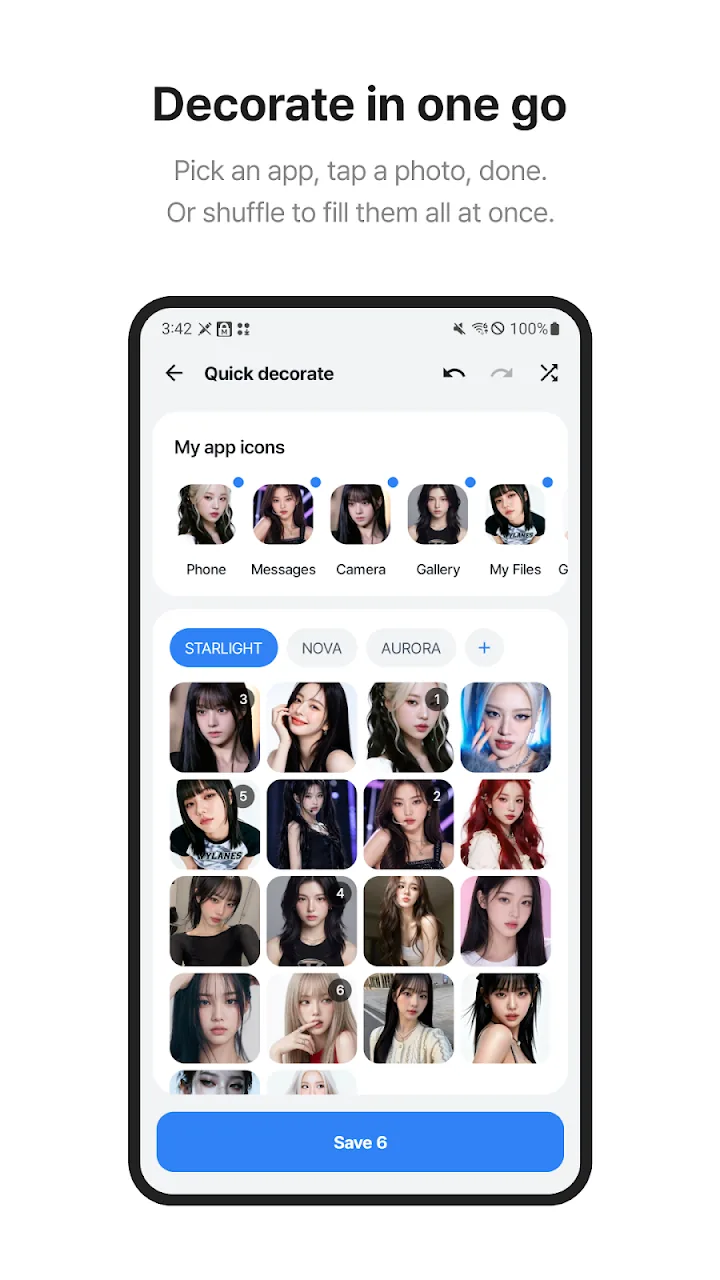
Pick your groups, tap an app, choose a photo — done.
Hit shuffle to fill every icon at once.
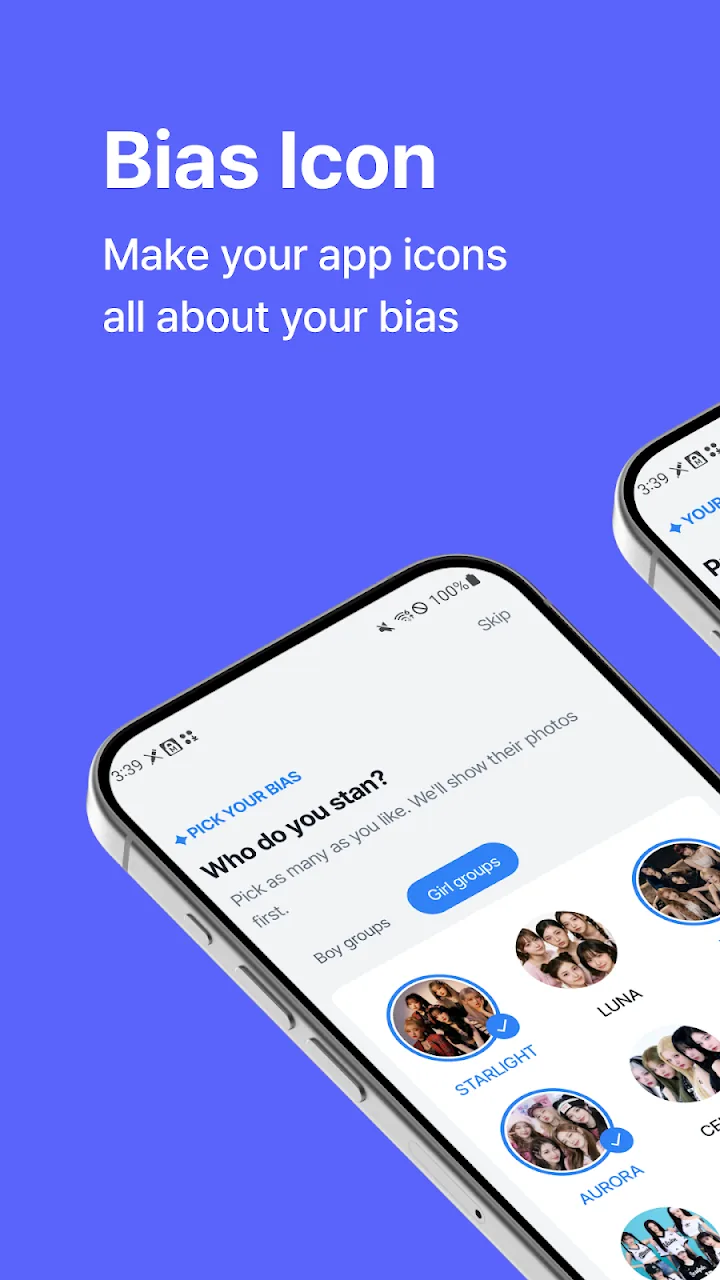
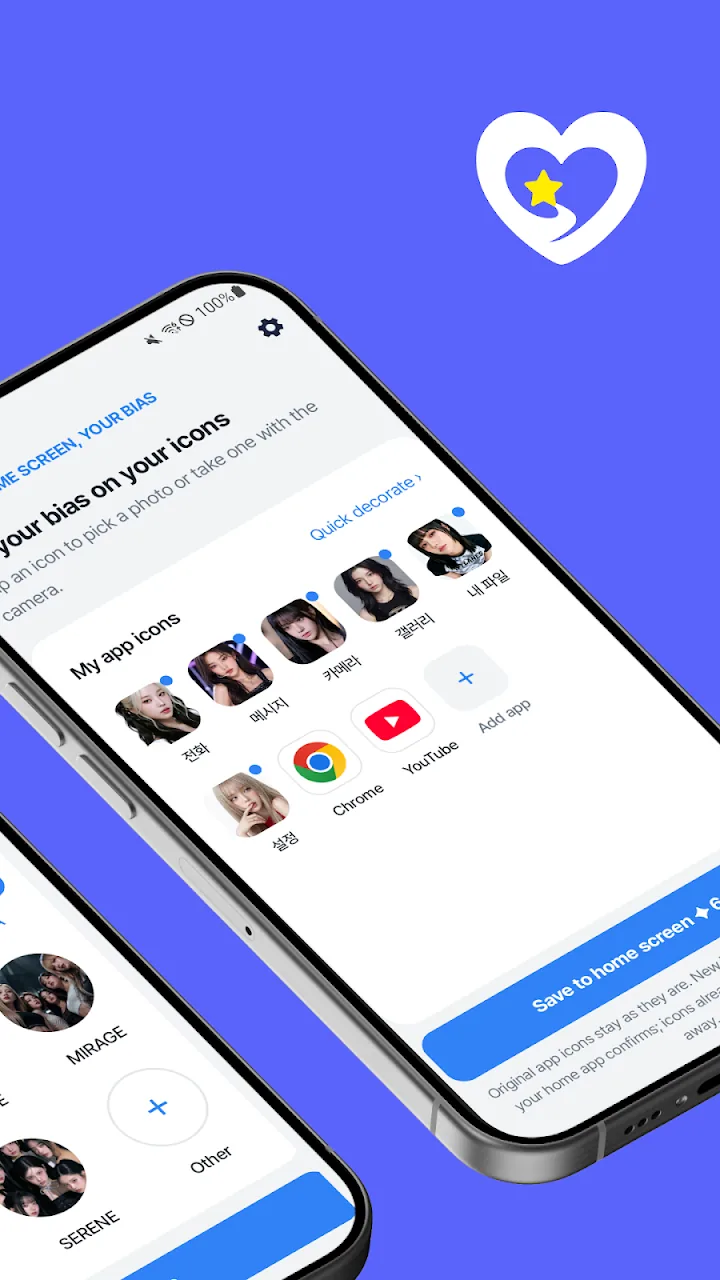
Pick a photo, then tap an icon. You can add your own photo too.
1. Pick a photo on the right
2. Tap any icon on the home screen to change it
3. Tap Rename to edit icon names
* Your photo stays in this browser and is never uploaded.
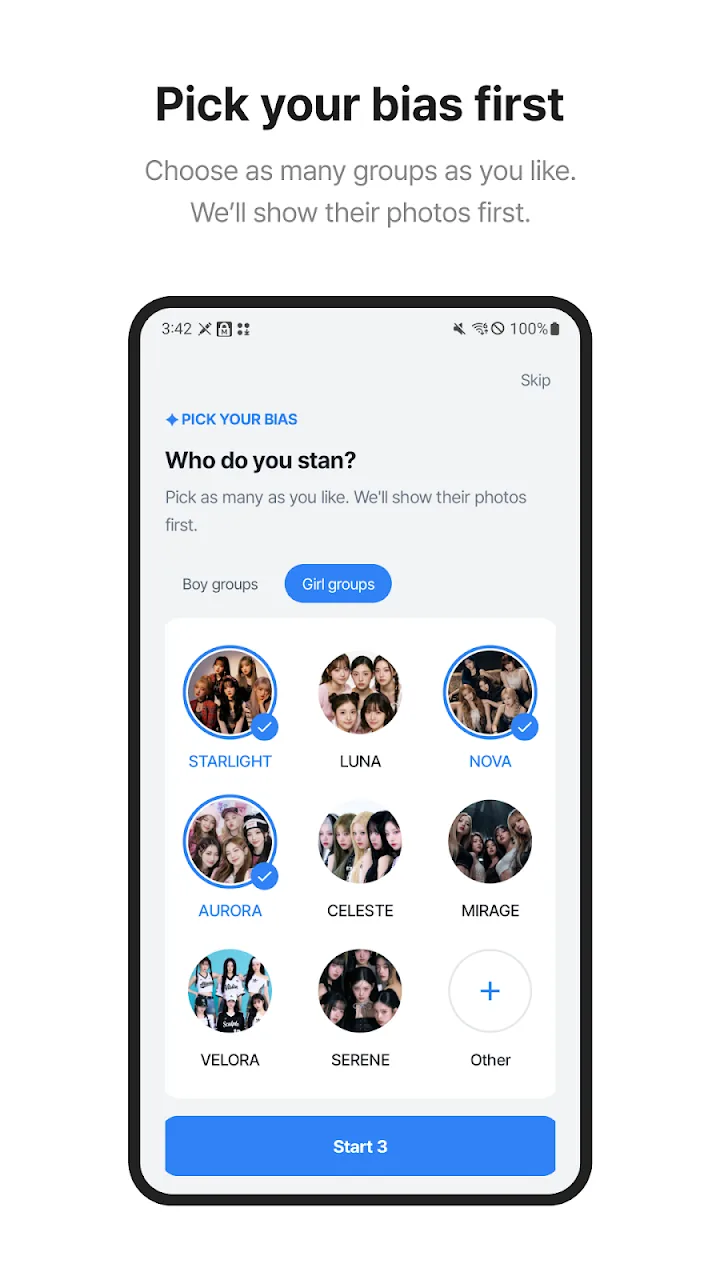
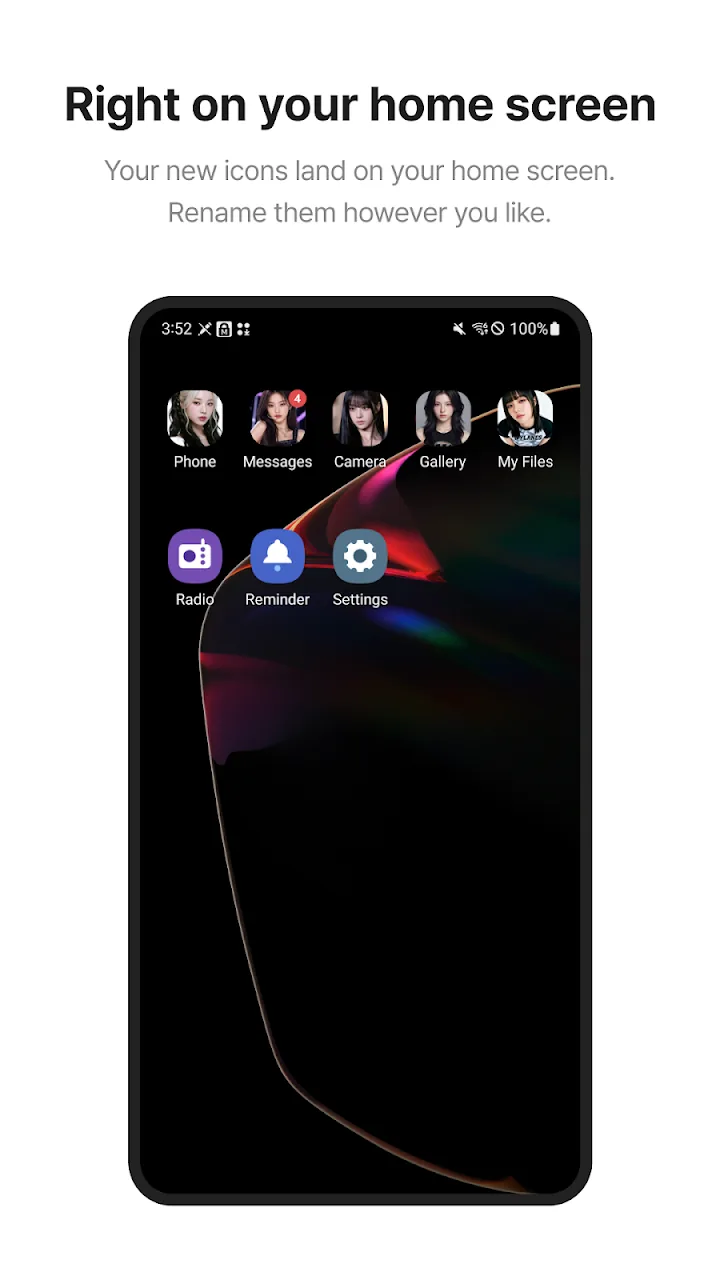
Choose boy groups and girl groups. Can’t find yours? Type it in and we’ll add the most requested groups.
Jumps to the next app automatically, with undo and redo.
Choose from your gallery or take a photo with the camera.
Swap “Phone” for your bias’s name. Reset anytime.
Show notification counts on your custom icons too (optional).